Chat
Exchange text and images with a connected device.

Chat and share files between devices on the same local network. No app to install or account to create.
Messages and files go directly between connected devices, without being uploaded to a server.
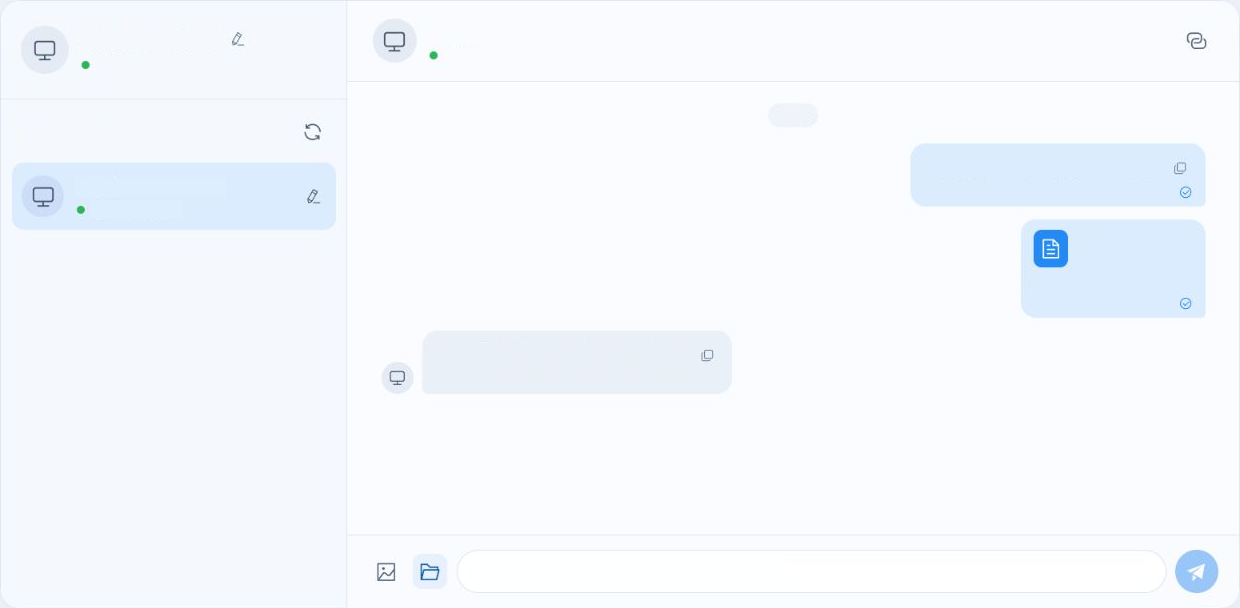
Exchange text and images with a connected device.
Send photos and documents. Download received files from the chat.
See available devices and recognize ones you’ve paired with before.
Connect both devices to the same local network and open LAN Chat on each one.
Select the other device when it appears. For a new pairing, accept the request on the other device.
Once connected, start sharing. Keep both pages open until the transfer finishes.
The server helps devices find each other and set up a direct connection.
Learn how to connect your devices or troubleshoot a connection.